
My360 Customer Portal
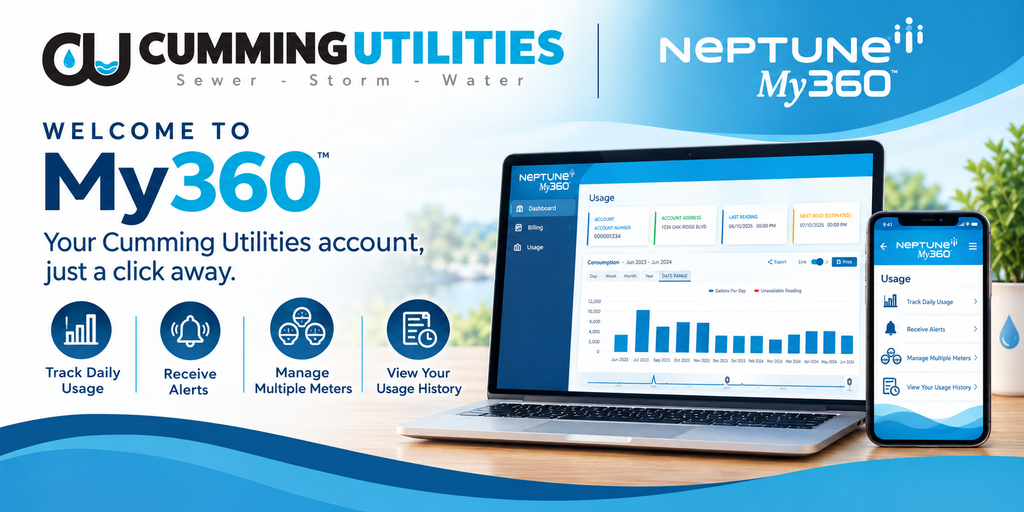
Cumming Utilities is excited to offer a consumer water portal to empower you to monitor and manage your water consumption from any device with internet access, 24/7.
Cumming Utilities Consumer Water Portal offers the following benefits:
- Easily view and manage your water usage 24/7
- Access from any desktop, laptop, tablet, or mobile device
- Monitor multiple properties from one account
- Manage multiple meters to get a better understanding of your water usage
- Set out-of-town alerts to monitor consumption and detect potential leaks
- Create water threshold alerts to set a water budget, help save water, and eliminate bill surprises
Activate your Cumming Utilities portal account today at https://cu.my360-app.com.
Have your water bill handy. You will need your account number and either your full name or street address.
Resources to help you get started:
How to Register for the Consumer Portal
How to Use Your Consumer Water Portal
If you need assistance setting up an account, please contact Cumming Utilities at 770-781-2020.
Already signed up for your Cumming Utilities consumer water portal account? Click here to log in https://cu.my360-app.com.